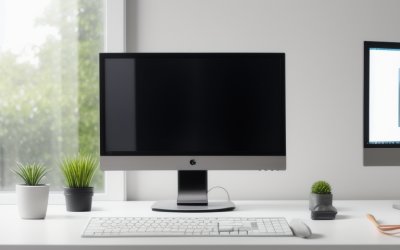
How to Set Up Dual Monitors on Windows
To set up dual monitors on Windows, plug the second screen into a free video port on your PC, press the Windows key and P, and choose Extend.
We independently review everything we recommend. When you buy through our links, we may earn a commission. As an Amazon Associate we earn from qualifying purchases.

507 articles published
To set up dual monitors on Windows, plug the second screen into a free video port on your PC, press the Windows key and P, and choose Extend.
To extend your laptop battery life, lower screen brightness, close background apps.

A laptop screen shows every fingerprint, keyboard-key imprint and coffee spatter, and the wrong cleaner can leave streaks or, worse, haze a coated panel.
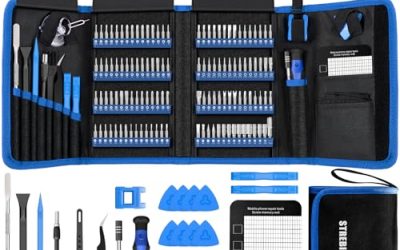
The first time a laptop screw refuses to budge, or a controller needs a tri-wing driver you do not own.
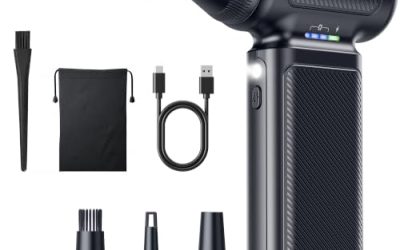
Dust is the quiet enemy of keyboards, graphics card fans, console vents and laptop intakes.
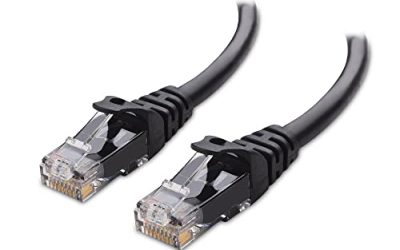
Home networking gets confusing the moment a shopper realizes Cat6 comes as short patch cords, long runs and thousand-foot spools.

A desk that holds a laptop dock, two monitors, a lamp and a router tends to grow a nest of cords behind it.
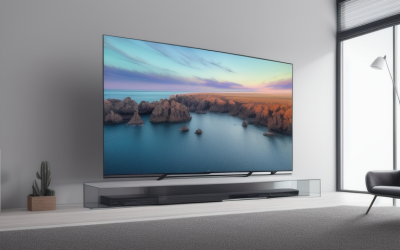
Samsung and LG both make full lineups from budget LED sets to premium flagships, and the real difference lies in what each company emphasizes.
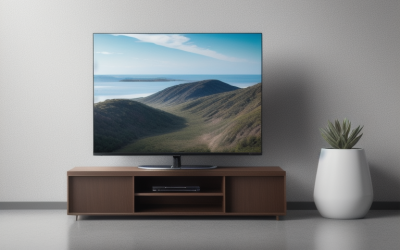
OLED TVs light every pixel individually, which produces perfect black and exceptional contrast.
The home improvements that tend to pay back best are the unglamorous ones: fixing what is broken.